
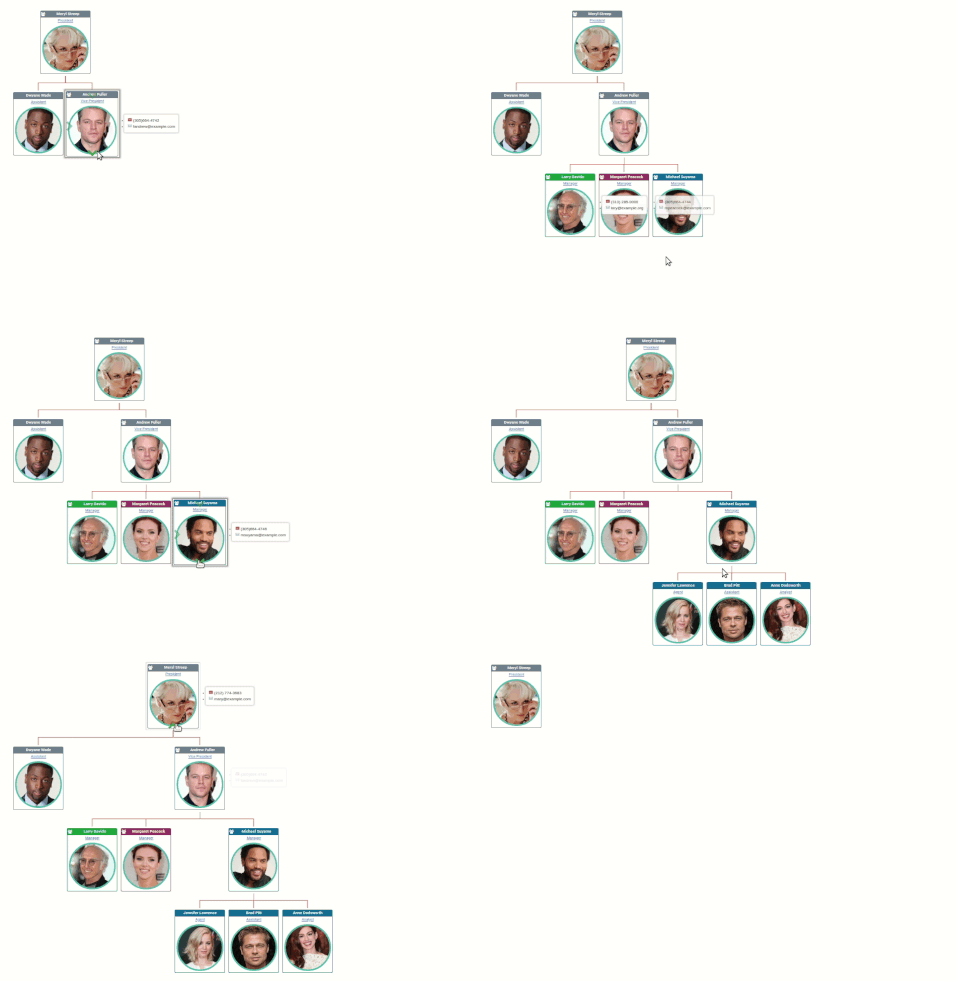
Drill down and across your org chart
Sometimes, it helps to explore by clicking on the org chart paths you find relevant to your questions. Simply click on the arrows on profile pictures to drill down or across to discover more about your organization.
Sometimes, it helps to explore by clicking on the org chart paths you find relevant to your questions. Simply click on the arrows on profile pictures to drill down or across to discover more about your organization.
Powerful, beautiful org charts
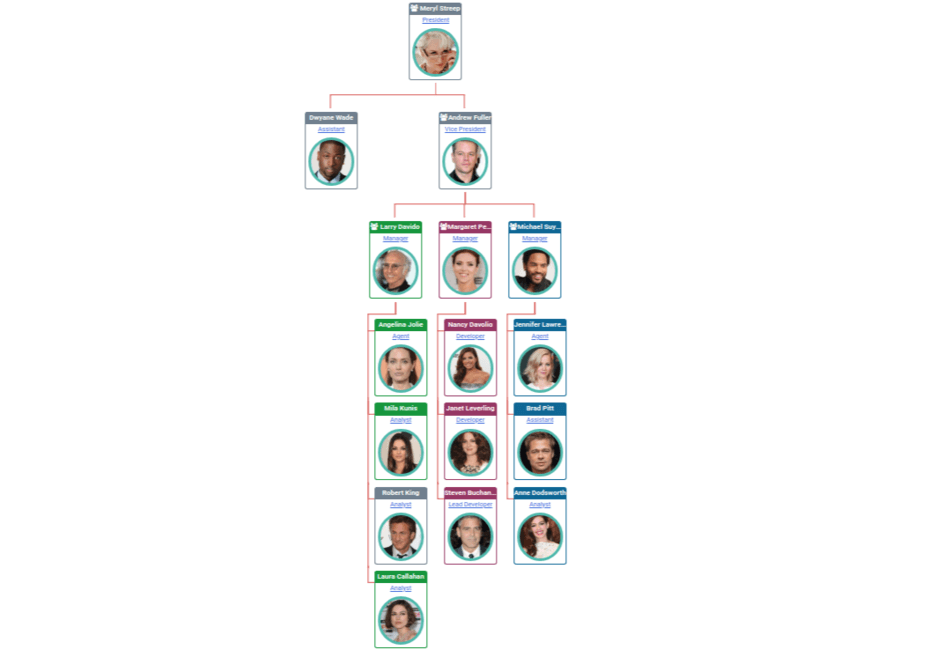
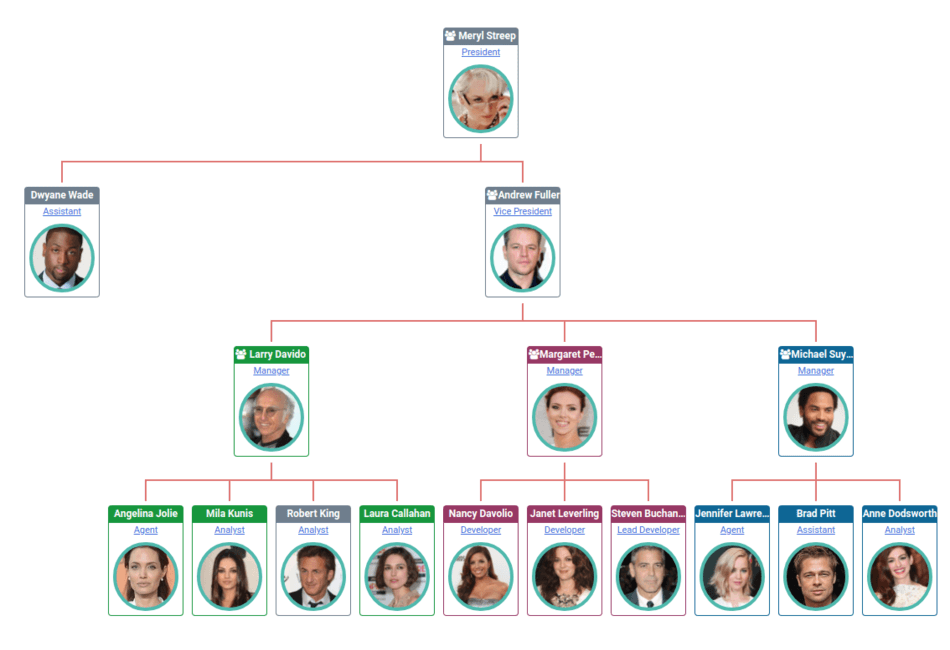
You can create org charts in horizontal or vertical layout to better use your screen space. In addition, you can display org chart of your team, department or whole company. There is an option to hide employee photos in org charts as well.
You can create org charts in horizontal or vertical layout to better use your screen space. In addition, you can display org chart of your team, department or whole company. There is an option to hide employee photos in org charts as well.
Find coworkers faster from anywhere, anytime
Let’s simplify finding coworkers, shall we? Using Org Charts, you can see who works for who, where, and does what. Finding the right person to answer questions faster helps everyone.
Let’s simplify finding coworkers, shall we? Using Org Charts, you can see who works for who, where, and does what. Finding the right person to answer questions faster helps everyone.
Automate Org Chart Building
With a few clicks, build and update your organization charts from enterprise data stores. When employees join, leave, retire, or get promoted, your org charts will be updated instantly.
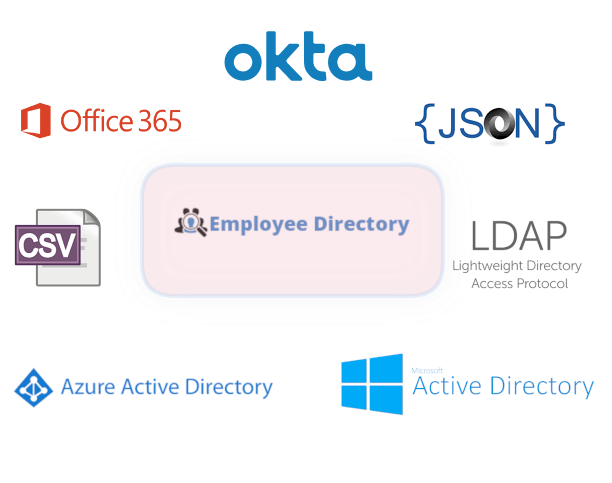
Seamlessly integrate with Microsoft Active Directory, Azure Active Directory, Office 365, Okta or any LDAP server. In addition, you can use any SQL or CSV data store to create and update your org charts on demand or a scheduled basis.
Sync employee photos, bios, skills, managers, departments and more. You can choose which fields will be synced. As a bonus, extensive logging is available for audits.
With a few clicks, build and update your organization charts from enterprise data stores. When employees join, leave, retire, or get promoted, your org charts will be updated instantly.
Seamlessly integrate with Microsoft Active Directory, Azure Active Directory, Office 365, Okta or any LDAP server. In addition, you can use any SQL or CSV data store to create and update your org charts on demand or a scheduled basis.
Sync employee photos, bios, skills, managers, departments and more. You can choose which fields will be synced. As a bonus, extensive logging is available for audits.

Integrated with Employee Directory
Power up your org charts with Employee Directory. Each org chart photo is linked to the corresponding employee’s profile page. In a hurry? Hover over an employee in your org chart, you get his or her phone and email. Faster and easier way to contact resources.
Power up your org charts with Employee Directory. Each org chart photo is linked to the corresponding employee’s profile page. In a hurry? Hover over an employee in your org chart, you get his or her phone and email. Faster and easier way to contact resources.
Awesome looking Employee Profile pages